
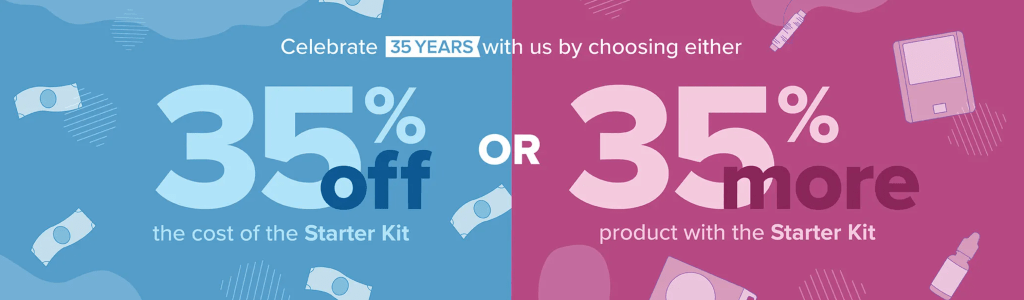
Hello Stampers! Today is a day you can sign up to be a demonstrator on my team to take advantage of the 35% promotion! Then, receive the future catalogs directly from Stampin’ Up! and EARLIER than when general customers receive catalogs. As demonstrators, we receive a complimentary catalog prior to the pre-order period AND are able to pre-order products before the general customers are able to order. A super awesome perk for being a demonstrator! Your Welcome Kit will have copies of all the current catalogs as well that you can share with your stamping friends.
Click here or the graphic below for the full details and sign up link.
If you are going to remain a customer and would like to place an order, my current host code has changed to VBRCDCGG which will be open for a few weeks. Keep the host code on your order if it’s less than $150 excluding shipping and tax so that I may earn a few more host rewards and you get a free, emailed pdf idea file from me as a thank you for using the host code. Remove the host code if your order is greater than $150 excluding shipping and tax so that you may redeem all the host rewards and I’ll email you the pdf too.
The host code changes every few weeks because the online party needs to “close” so that host rewards can be tallied. This is the same step that would be taken if an in-person party would be held in your home. The host code would close so that you would know how many host rewards you have to spend and then spend them (yes!) to receive fabulous products.
Click on the host code graphic below if you are ready to place an order using my current host code OR CLICK ON THE APPROPRIATE GRAPHIC ON THE RIGHT SIDE OF MY BLOG. The host code graphic on the right side will be automatically linked to my current host code. There are 2 graphics on the right side of my blog that will zoom you to my online store: one that is linked to my host code and one that is not.

After you have arrived at my online store, look in the upper right corner of the shopping cart to add or remove the host code. If you use a link I provided that has a host code embedded in it, the host code should automatically appear in the “add host code” space. If a host code is not displayed, click on “add host code.”
Enter my current host code in the box. Please note that the images below contain an expired host code and are for reference only.
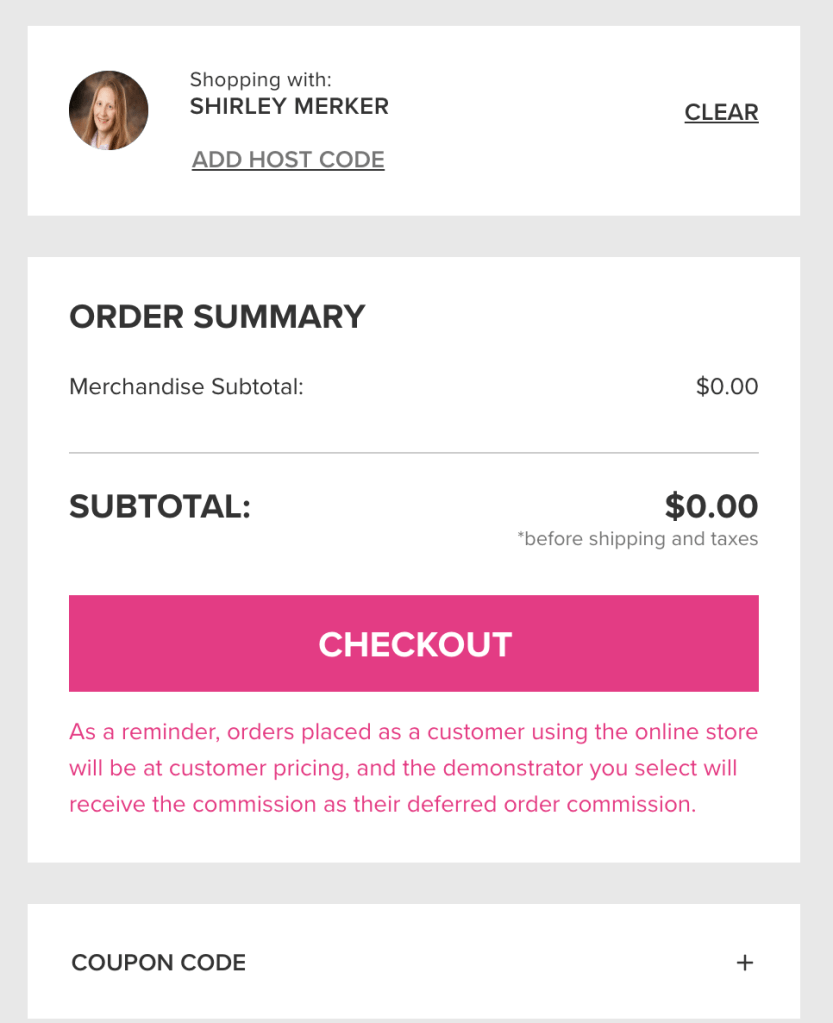
Make sure to click on “apply” if you are adding a host code.

Your screen should now look like this below after clicking on “apply”…except you will have a merchandise subtotal other than $0.00 since you are ordering products:)

Finish checking out. Then be watching your email in-box for the free pdf idea file from me!
Let me know if you have any questions about the 35% new demonstrator promotion. Thanks you!
Super Awesome Stamper Shirley
 Super Awesome Stamper