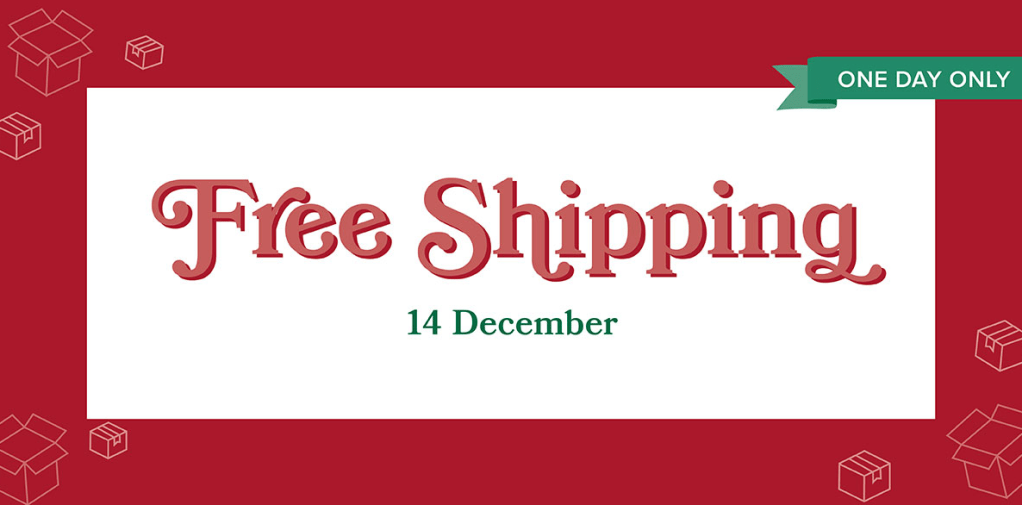
Just got an email from the home office that FREE SHIPPING is being offered on December 14th, 2023 only! Save on all qualifying orders of $75 or more (excluding tax). What a great way to stock up on all your favorite products from the catalogs, Online Exclusives, kits, and more!
Please keep in mind that because of the Christmas season, the distribution center may fall behind typical shipping timeframes. They will do all they can to return to our regular service levels as quickly as possible. Any orders placed during this promotion are not guaranteed to arrive before or by December 25th.
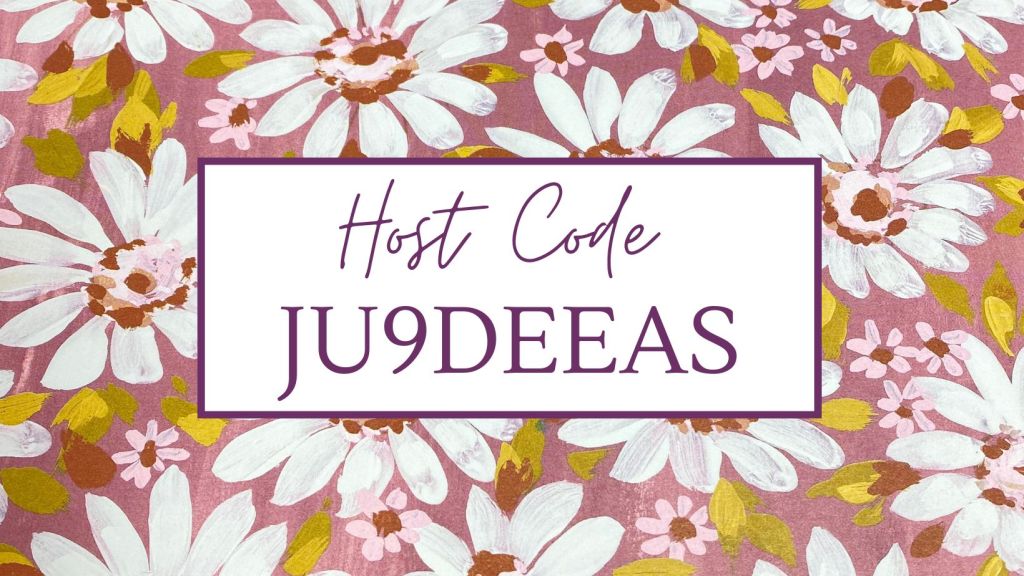
If you are placing an order, my current host code has changed to JU9DEEAS which will be open for a few weeks. Keep the host code on your order if it’s less than $150 excluding shipping and tax so that I may earn a few more host rewards and you get a free, emailed pdf idea file from me as a thank you for using the host code. Remove the host code if your order is greater than $150 excluding shipping and tax so that you may redeem all the host rewards and I’ll email you the pdf too.
IT’S BLACK FRIDAY! I have already presented in a special, private Facebook group showing how to create this treat wrap.
This group shares lots of project ideas, tips and tricks to getting the most from your stamping supplies. Would you like to join the group if you are customer or team member of mine? Click the Contact button on my blog and ask to join the group.
If you are not on Facebook, I have uploaded the treat wrap video to my Youtube channel. Watch the video below and subscribe to my Youtube so you get notified when I load new videos to my Youtube channel.
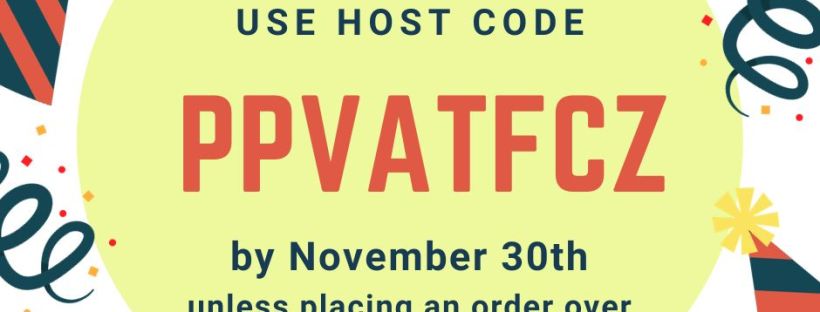
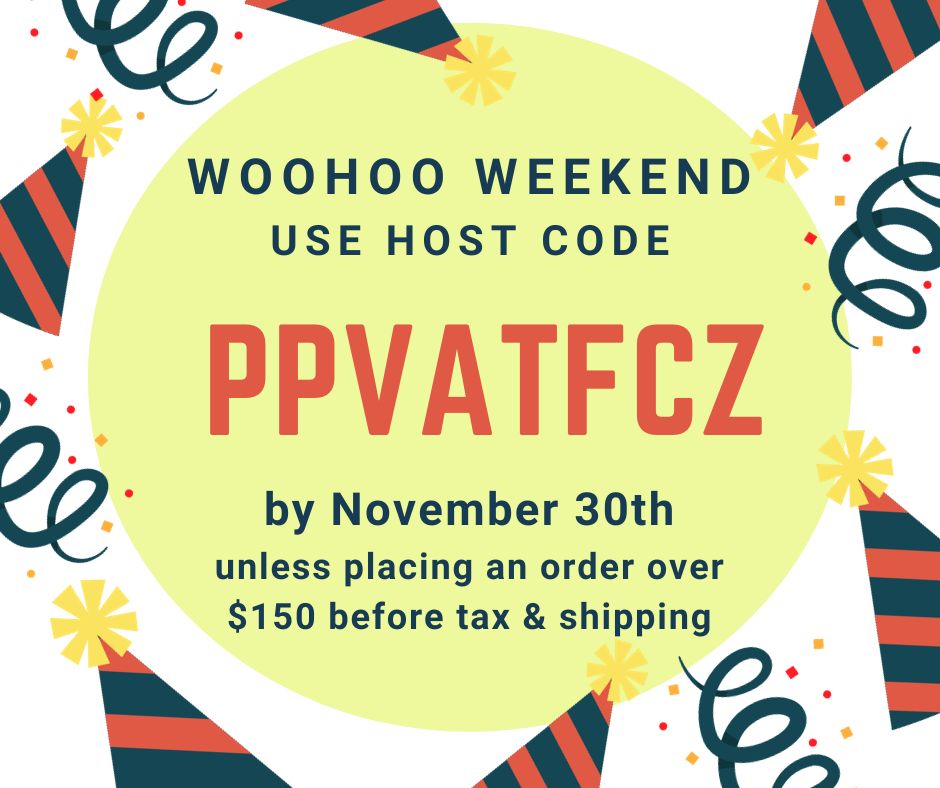
If you would like to place a new product order, my current host code has changed to PPVATFCZ which will be open for a few weeks. Keep the host code on your order if it’s less than $150 excluding shipping and tax so that I may earn a few more host rewards and you get a free, emailed pdf idea file from me as a thank you for using the host code. Remove the host code if your order is greater than $150 excluding shipping and tax so that you may redeem all the host rewards and I’ll email you the pdf too.
The host code changes every few weeks because the online party needs to “close” so that host rewards can be tallied. This is the same step that would be taken if an in-person party would be held in your home. The host code closes the day of the party so that you would know how many host rewards you have to spend to receive fabulous products as a thank you for hosting.
Click on the host code graphic below if you are ready to place an order using my current host code OR CLICK ON THE APPROPRIATE GRAPHIC ON THE RIGHT SIDE OF MY BLOG. The host code graphic on the right side will be automatically linked to my current host code. There are 2 graphics on the right side of my blog that will zoom you to my online store: one that is linked to my host code and one that is not.
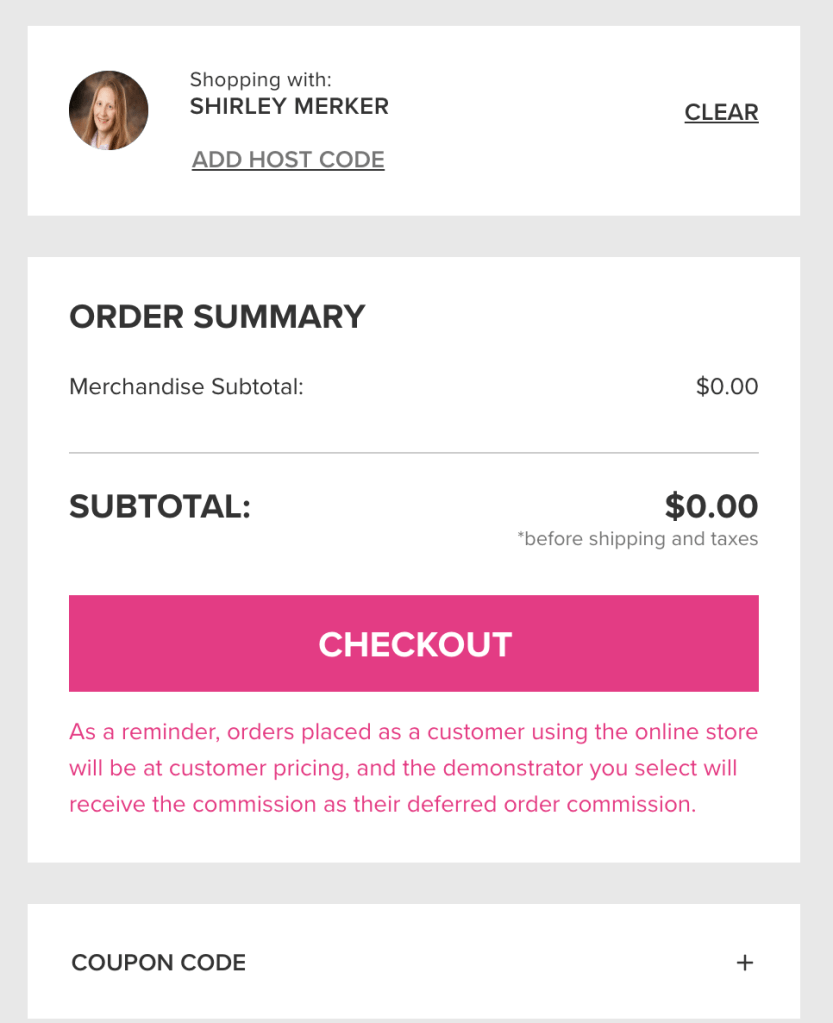
After you have arrived at my online store, look in the upper right corner of the shopping cart to add or remove the host code. If you use a link I provided that has a host code embedded in it, the host code should automatically appear in the “add host code” space. If a host code is not displayed, click on “add host code.”
Enter my current host code in the box. Please note that the images below contain an expired host code and are for reference only.
Make sure to click on “apply” if you are adding a host code.
Your screen should now look like this below after clicking on “apply”…except you will have a merchandise subtotal other than $0.00 since you are ordering products:)
Finish checking out. Then be watching your email in-box for the free pdf idea file from me!
15% off inks, including pads, refills, markers, and Blends. Bundles are not included.
20% off papers, including cardstock, specialty paper, and Designer Series Paper.
Shop online to see the full selection of discounted products available. This is a limited time offer.
Discounts are automatically applied when sale items are added to any order, including Starter Kits.
Please note: Some items may sell out due to high demand. The discount will automatically be applied to qualifying items that are in stock. Per our updated policy, backorders are not available.
Use this link to order using my current hode and I’ll email you a pdf idea file filled with lots of great projects! Thanks! CLICK HERE FOR ORDERING LINK which has my current host code, VBRCDCGG, automatically linked. Keep the host code on your order if your product total is less than $150 so that I can earn a few more host dollars. Remove the host code and remain shopping with me if your product total is greater than $150 so you can redeem all the host rewards yourself. Either case will earn you an emailed, pdf idea file on me. Thanks for ordering with me!
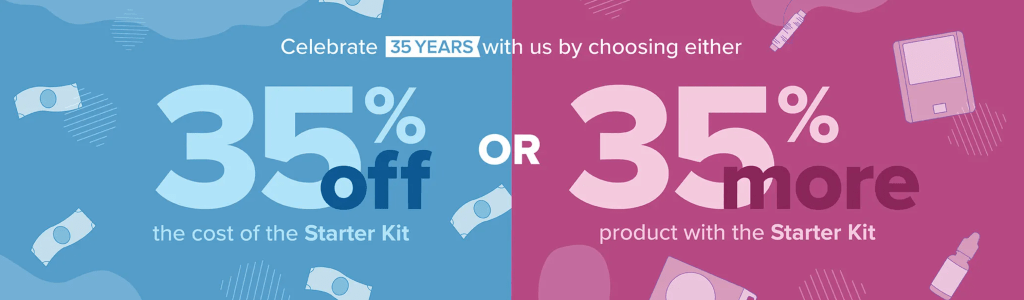
Hello Stampers! Today is a day you can sign up to be a demonstrator on my team to take advantage of the 35% promotion! Then,receive the future catalogs directly from Stampin’ Up! and EARLIER than when general customers receive catalogs. As demonstrators, we receive a complimentary catalog prior to the pre-order period AND are able to pre-order products before the general customers are able to order. A super awesome perk for being a demonstrator! Your Welcome Kit will have copies of all the current catalogs as well that you can share with your stamping friends.
If you are going to remain a customer and would like to place an order, my current host code has changed to VBRCDCGG which will be open for a few weeks. Keep the host code on your order if it’s less than $150 excluding shipping and tax so that I may earn a few more host rewards and you get a free, emailed pdf idea file from me as a thank you for using the host code. Remove the host code if your order is greater than $150 excluding shipping and tax so that you may redeem all the host rewards and I’ll email you the pdf too.
The host code changes every few weeks because the online party needs to “close” so that host rewards can be tallied. This is the same step that would be taken if an in-person party would be held in your home. The host code would close so that you would know how many host rewards you have to spend and then spend them (yes!) to receive fabulous products.
Click on the host code graphic below if you are ready to place an order using my current host code OR CLICK ON THE APPROPRIATE GRAPHIC ON THE RIGHT SIDE OF MY BLOG. The host code graphic on the right side will be automatically linked to my current host code. There are 2 graphics on the right side of my blog that will zoom you to my online store: one that is linked to my host code and one that is not.
After you have arrived at my online store, look in the upper right corner of the shopping cart to add or remove the host code. If you use a link I provided that has a host code embedded in it, the host code should automatically appear in the “add host code” space. If a host code is not displayed, click on “add host code.”
Enter my current host code in the box. Please note that the images below contain an expired host code and are for reference only.
Make sure to click on “apply” if you are adding a host code.
Your screen should now look like this below after clicking on “apply”…except you will have a merchandise subtotal other than $0.00 since you are ordering products:)
Finish checking out. Then be watching your email in-box for the free pdf idea file from me!
Let me know if you have any questions about the 35% new demonstrator promotion. Thanks you!
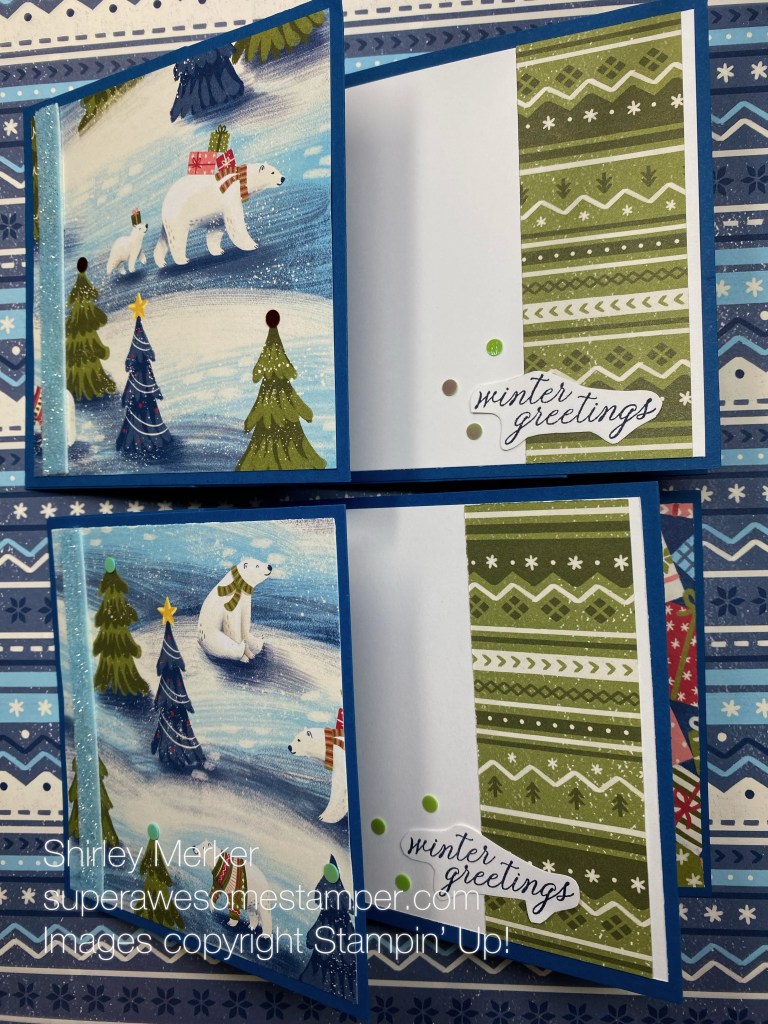
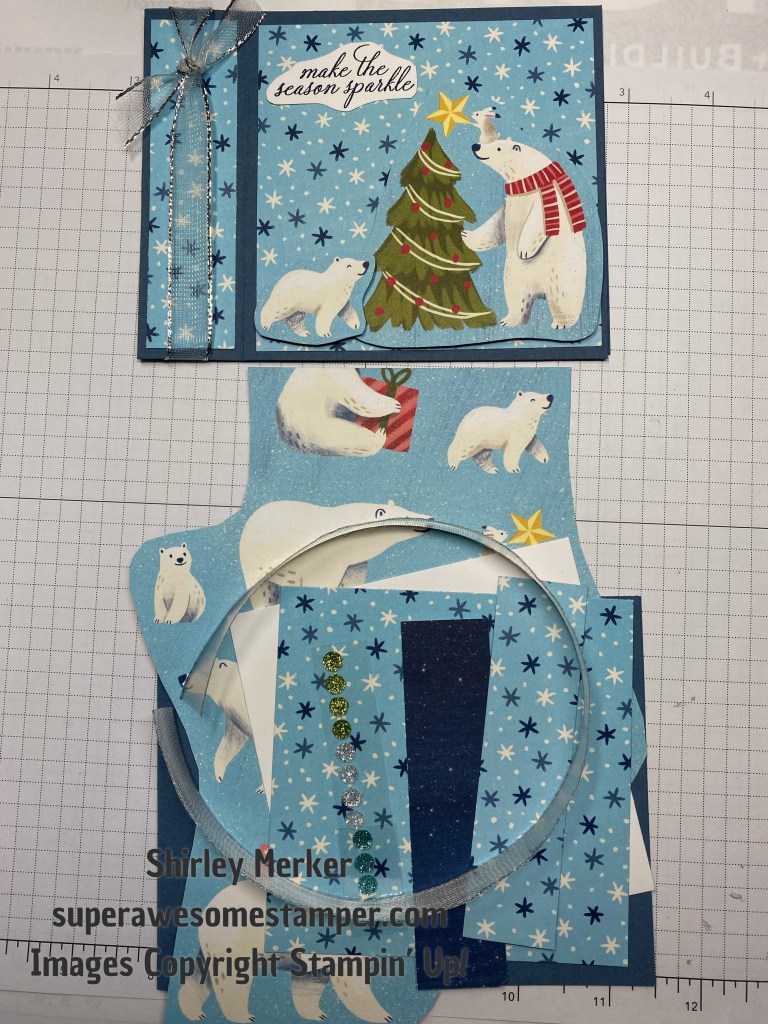
Beary Christmas Designer Series Paper is featured in my 3 Panel Accordion Fold November Kits in the Mail. It folds flat for mailing and opens to reveal panels to create a fun and festive greeting card! The 3 Panel Accordion November Kits in the Mail includes supplies to make 2 greeting cards as shown below. Please note the patterned papers may be varied from kit to kit and the present/green nordic may be substituted with other patterns from the Beary Christmas paper pack.
The November 3 Panel Accordion kits can be purchased separately or as a bundle to receive all 3 months for the October, November and December kits. Make the 3 Plus One purchase (kits for all 3 months) and receive a Fancy Fold pdf tutorial emailed to your in-box and a snail mailed thank you card in the Plus One month of January 2024.
This photo shows the October Book Binder kits.
This photo shows the December Faux Camera kits.
Your purchase includes an emailed pdf tutorial for October, November and December with all the measurements and 12 or 19 different styles with supply lists in the designated design.
Sample kits are shown in the next photos. Remember, you get 2 kits in an envelope to make 2 greeting cards. October Book Binder…
November 3 Panel Accordion…
December Faux Camera…
Envelopes should be arriving in your snail mailbox around the 15th of the month if you have ordered by the 1st of the month. Assorted patterns and woodland critter images will be included which may not be the same as in the sample photos.
Watch this short video to see what is included in the kits.
The 3 Panel Accordion Fold will be demonstrated live in the One of A Kind Facebook group on November 25th. Youtube assembly links will be provided in case you miss the FB demo.
Use the Paypal links below to place your order. Thank You!
EDIT ON NOVEMBER 25TH: PAYPAL LINKS REMOVED AS I AM AND THE WAREHOUSE IS OUT OF STOCK FOR SEVERAL OF THE COMPONENTS. BE WATCHING MY BLOG FOR THE JANUARY 2024 KITS IN THE MAIL OFFERING FEATURING THE BRAND NEW, BEE MINE SUITE! THANKS!
You will need a stamp set, ink pad and assorted adhesives to complete your kits. What is shown below is what I used and can be purchased through my online store.
Thank you for purchasing! Be watching your email in-box around the 15th of the month for your supporting materials.










 Super Awesome Stamper