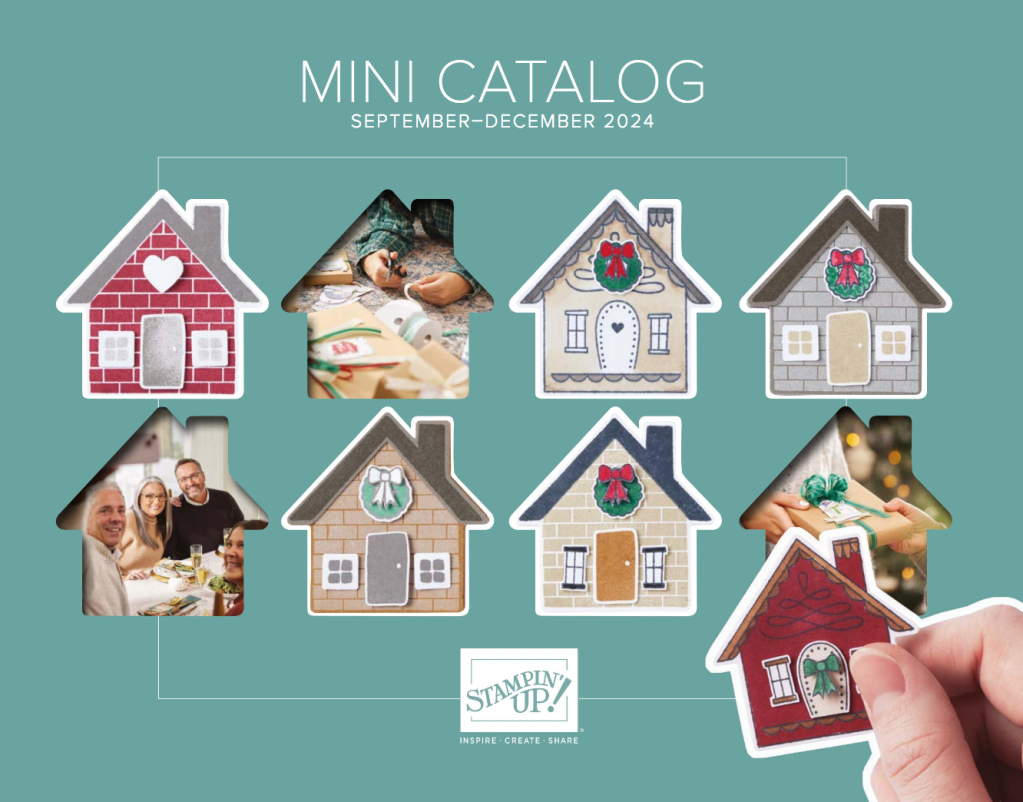
Good Morning Stampers! The September to December 2024 Fall catalog has been posted to my blog for downloading. You are in for a treat if you are ordering bundles: Spells and Potions, More Than Autumn, Frozen Edges and/or Winterly Tree Tops because I have a PDF ready to email to you filled with card making ideas using these bundles! Please note that Halloween products are posted to my online store and not shown in the catalog.
These bundles and the entire fall catalog are now ready to order through my online store. Please use my current host, CZYCNTGF, when ordering if your order is under $150, excluding shipping and tax. If your order is over $150, don’t use the code and remain shopping with me. Either case will earn you the September edition of Inspiring Pretty Paper Projects which is a monthly pdf filled with card making ideas! Click on the hos code image below to get shopping!
Click the Contact button on my blog if you have any questions, thanks!
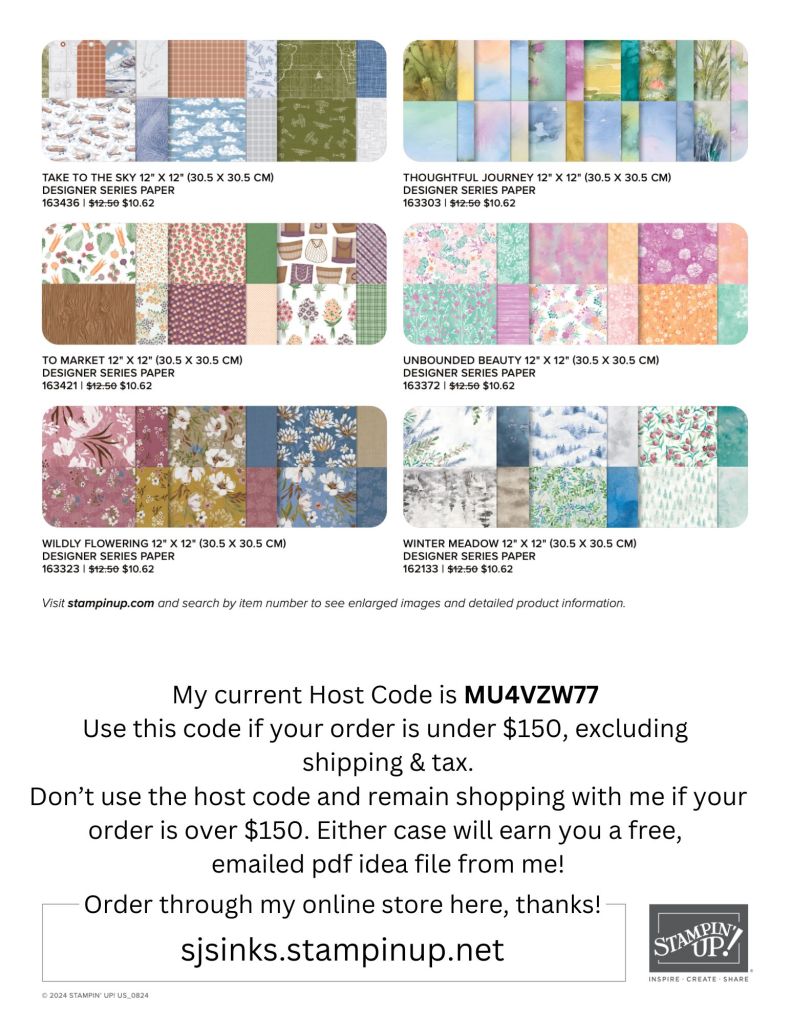
Our popular Designer Series Paper sale is back! Enjoy the savings when ordering August 6th-31st on select packages. Please note that all are while supplies last so order early in the month for best selection!
Thanks to those that placed an order during free shipping days! Your email in-box has a few pdf file thank yous from me. I dropped your snail mailed cards at the Post Office today too.
Host codes gather online orders to one party, allowing the host to earn a few host rewards. The host code changes every few weeks because the party needs to “close” so that host rewards can be tallied. This is the same step that would be taken if an in-person party would be held in your home. The host code would close so that you would know how many host rewards you have to spend and then spend them (yes!) to receive fabulous products.
Use my host code and receive a free, emailed pdf idea file from me! Customers that order greater than $150 of product should not use a host code so you can spend all the host rewards yourself. Remain shopping with me, if your product order is greater than $150 and I’ll email you the free pdf idea file too.
Click on the host code graphic below if you are ready to place an order using my current host code OR CLICK ON THE APPROPRIATE GRAPHIC ON THE RIGHT SIDE OF MY BLOG. The host code graphic on the right side will be automatically linked to my current host code so you don’t have to find this blog post to use a host code. There are 2 graphics on the right side of my blog that will zoom you to my online store: one that is linked to my host code and one that is not.
If you are new to using a host code, the next section will step you through the process.
The next photos are screen shots of my online store to help you either add or remove a host code. After you have arrived at my online store, look in the upper right corner of the shopping cart to add or remove the host code. If you use a link I provided that has a host code embedded in it, the host code should automatically appear in the “add host code” space. If a host code is not displayed, click on “add host code.”
Enter my current host code in the box. Please note that the images below contain an expired host code and are for reference only.
Make sure to click on “apply” if you are adding a host code.
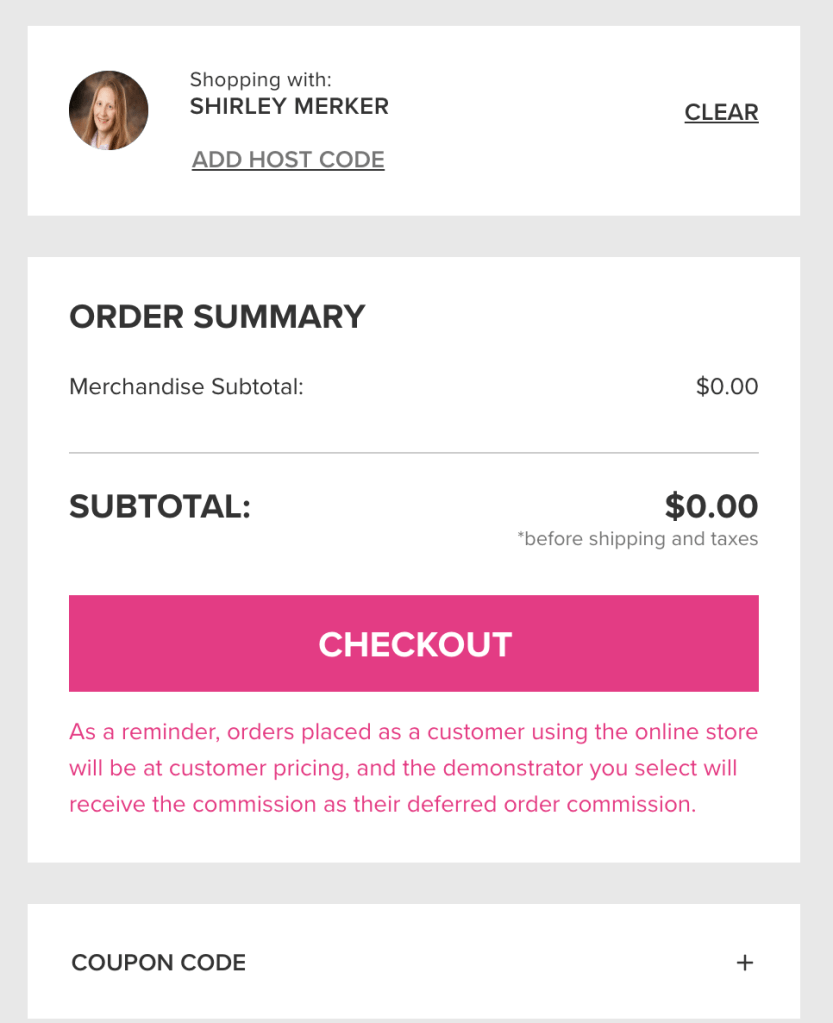
Your screen should now look like this below after clicking on “apply”…except you will have a merchandise subtotal other than $0.00 since you are ordering products:)
Finish checking out. Then be watching your email in-box for the free pdf idea file from me! Thank you!
Fantastic Fun Folds is a monthly pdf tutorial zipped right to your email in-box. The pdf includes full instructions with color photos AND 12 different samples with supply lists showcasing the featured technique.
The May and June tutorials are ready to be shared with subscribers. May features the Art Deco technique.
June features the Triangle Easel Fold technique.
Upcoming techniques:
July – Side Step
August – Gate Fold
September – Triple Diamond
October to April 2025 are sure to be exciting too!
The pdf tutorials include step by step instructions and color photos along with measurements for cutting and scoring. It also includes 12 different sample versions with supply lists to inspire you. The pdf tutorials which will be delivered to your email in-box in the first week of the month. May and June 2024 editions are ready for emailing to you.
Fantastic Fun Folds is a creative surprise in your email each month. Order the full year of tutorials using the PayPal link below.
12 Fantastic Fun Fold emailed pdf tutorials
Includes 12 fun fold tutorials emailed to your in-box, once a month for 12 months. The year runs May 2024 to April 2025.
Host codes gather online orders to one party, allowing the host to earn a few host rewards. The host code changes every few weeks because the party needs to “close” so that host rewards can be tallied. This is the same step that would be taken if an in-person party would be held in your home. The host code would close so that you would know how many host rewards you have to spend and then spend them (yes!) to receive fabulous products.
Use my host code and receive a free, emailed pdf idea file from me! Customers that order greater than $150 of product should not use a host code so you can spend all the host rewards yourself. Remain shopping with me, if your product order is greater than $150 and I’ll email you the free pdf idea file too.
Click on the host code graphic below if you are ready to place an order using my current host code OR CLICK ON THE APPROPRIATE GRAPHIC ON THE RIGHT SIDE OF MY BLOG. The host code graphic on the right side will be automatically linked to my current host code so you don’t have to find this blog post to use a host code. There are 2 graphics on the right side of my blog that will zoom you to my online store: one that is linked to my host code and one that is not.
The next photos are screen shots of my online store to help you either add or remove a host code. After you have arrived at my online store, look in the upper right corner of the shopping cart to add or remove the host code. If you use a link I provided that has a host code embedded in it, the host code should automatically appear in the “add host code” space. If a host code is not displayed, click on “add host code.”
Enter my current host code in the box. Please note that the images below contain an expired host code and are for reference only.
Make sure to click on “apply” if you are adding a host code.
Your screen should now look like this below after clicking on “apply”…except you will have a merchandise subtotal other than $0.00 since you are ordering products:)
Finish checking out. Then be watching your email in-box for the free pdf idea file from me! Thank you!